|
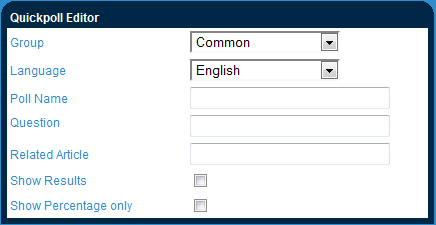
Quick Poll Editing a Quick Poll
Quick poll allows you to collect and store information from your users based on their responses to questions generated by you. |
|
|
If you edited the quick poll questions . . . Ensure that you have not changed the questions drastically after the quick poll has been in use as this might affect your results (your data will be a sum of the unedited and edited response options). This should only be used for spelling/grammatical errors.
|