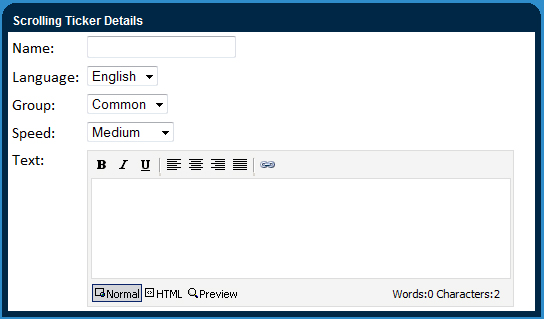
Scrolling text is a great feature for adding informative content to any of your pages without taking up too much room.
1.
Click the orange ‘add’ button to add new scrolling text
2.
Specify the speed that you would like the text to move across your screen from the right to left.
3.
Name the scrolling text. This will only be used for identification purposes and is not shown on the live website.
4.
Enter your copy for the scrolling text into the ‘text’ field. Delete all line breaks to ensure all your text is scrolling on the same path on a single line.