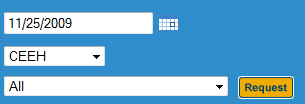
| 1. | On you room booker page on your webpage, input the date and location of the room you would like to book, then press 'Request' |
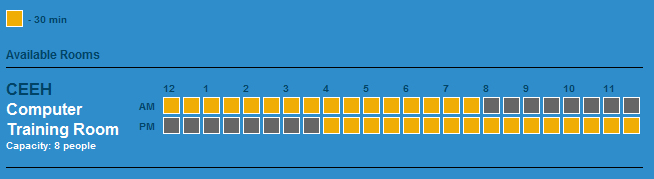
| 2. | A time sheet for the room selected is displayed below, broken down into 30 minute time slots. Yellow squares represent times that are available for booking. |
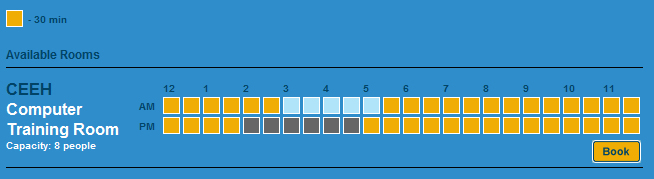
| 3. | Click as many available time slots which you wish to book. These pending booking will display as light blue squares. Click the pending square a second time to remove from your pending bookings. When you are satisfied with your selection, click 'Book'. |
| 4. | Fill out the Meeting Description and Booking Description and click 'Submit' to complete your room booking. |
|